
How to merge documents into one
Quick answer
To merge documents into one, open them in the same editor and combine them in order: Word's Insert > Text from File for .docx files, copy and paste or tabs for a few Google Docs, or an add-on such as Merge Docs Pro when you need to combine dozens of files and export them as PDF, Word or EPUB.
These guides cover every way to combine files into a single document, from the built-in options in Microsoft Word and Google Docs to merging Markdown, PDF and other formats. Each guide explains when the built-in method is enough and when a dedicated tool saves time.
Video walkthroughs

Merge Google Docs
- How to Merge Google Docs Without Losing Comments Google Docs' own ways of combining files, copy-paste and document tabs, drop every comment. To merge two or more Google Docs with comments, use Merge Docs Pro: open Extensions > Merge Docs Pro > Merge Multiple Docs into One, tick Copy comments from source documents (BETA), and select the Docs.
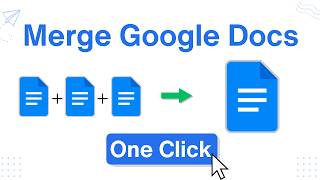
- How to Merge Multiple Google Docs Into One Video Google Docs has no built-in merge command, so you either copy each Doc into one file (or into its own tab) or use an add-on. With Merge Docs Pro, open Extensions > Merge Docs Pro > Merge Multiple Docs into One, select the files, and they are combined into a single Google Doc.
Merge Word documents
- How to Merge Word Documents With Comments (3 Methods) To merge reviewers' copies of the same Word document with their comments and tracked changes, use Review > Compare > Combine, picking the original and one revised copy, then repeat for each extra copy. To merge different Word documents and keep their comments, upload them to Google Drive and merge with Merge Docs Pro's Copy comments option.
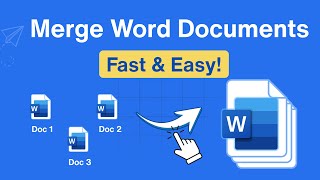
- How to Merge Word Documents into One File (3 Methods) Video To merge Word documents, open the first file, click where the others should go, and choose Insert > Object (arrow) > Text from File. Select the other files and click Insert; Word adds them in the order shown in the file list. Without Word, use Google Drive with an add-on or a free online merger.
- How to Merge Word Documents in Google Drive (No Word Needed) Video To merge Word documents in Google Drive without Microsoft Word, upload the .docx files to Drive, open Merge Docs Pro from the Extensions menu in Google Docs or Sheets, select the files, set their order and click Merge Docs. You get one Google Doc that you can download as Word, PDF or EPUB.