
· Vikram Aruchamy · Microsoft Word
How to Put a Header on the First Page Only in Word
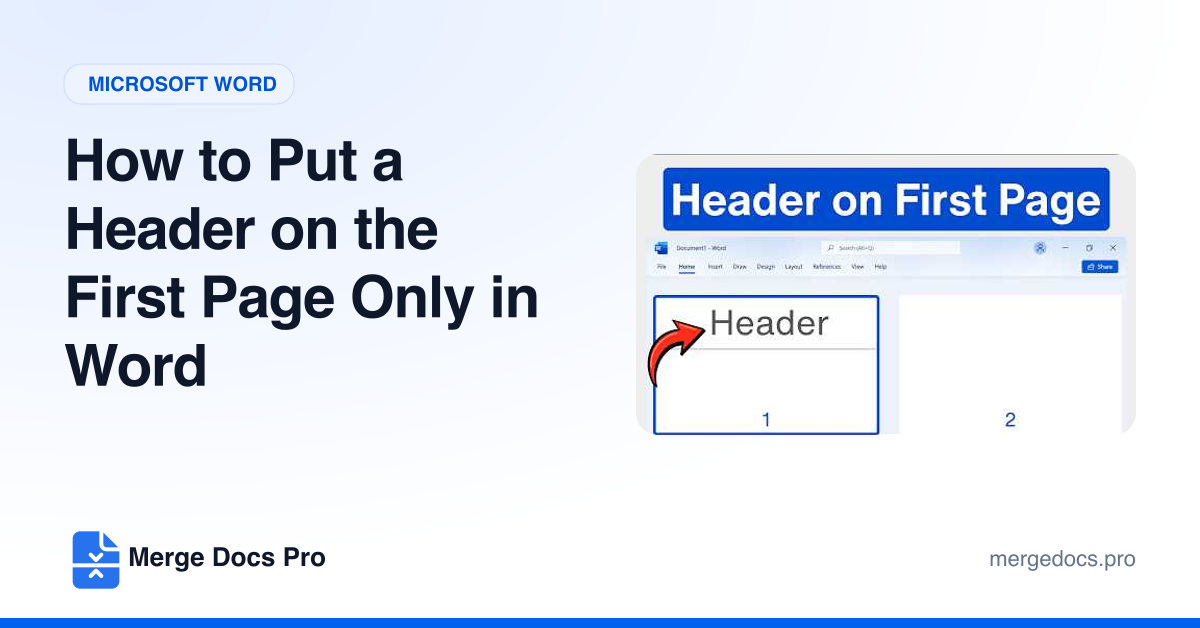
To put a header on the first page only in Word, double-click the top of page 1, select Different First Page on the Header & Footer tab, and type your header there. Then go to the page 2 header, delete anything in it, and press Esc. Page 1 keeps its header and every later page stays blank.