
· Vikram Aruchamy · Microsoft Word
How to Recover an Unsaved Word Document (4 Methods)
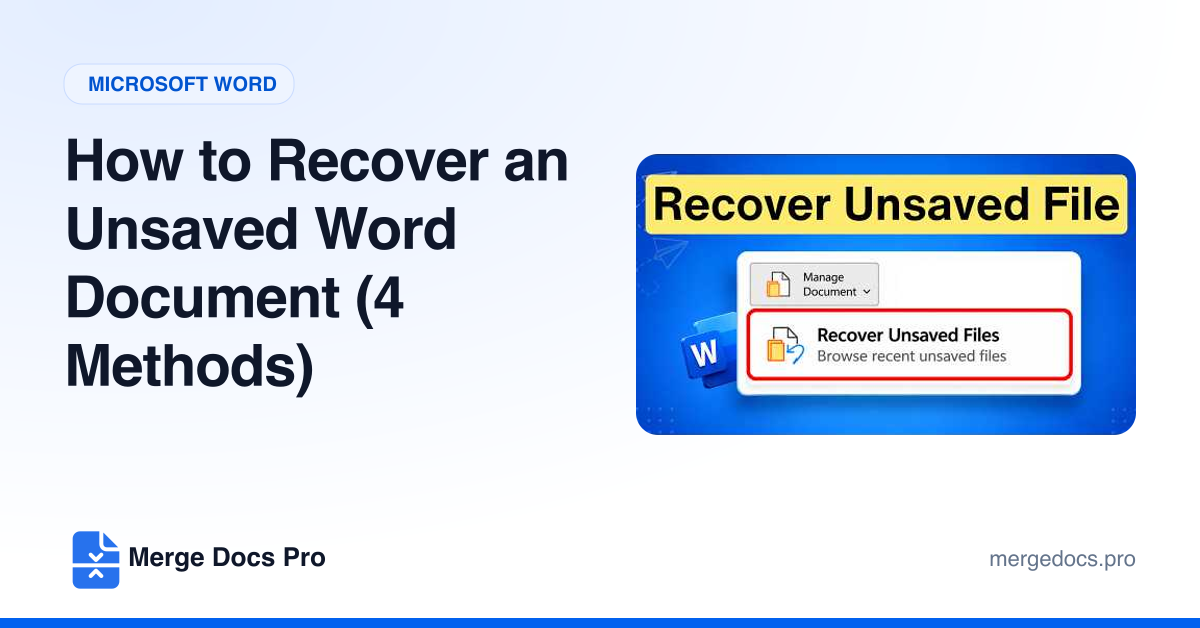
To recover an unsaved Word document, open Word and go to File > Info > Manage Document > Recover Unsaved Documents, select the draft and click Open, then click Save As in the yellow bar. If Word crashed, reopen it and pick the file from the Document Recovery pane instead.