
· Vikram Aruchamy · Microsoft Word
How to Remove Hyperlinks in Word (3 Methods)
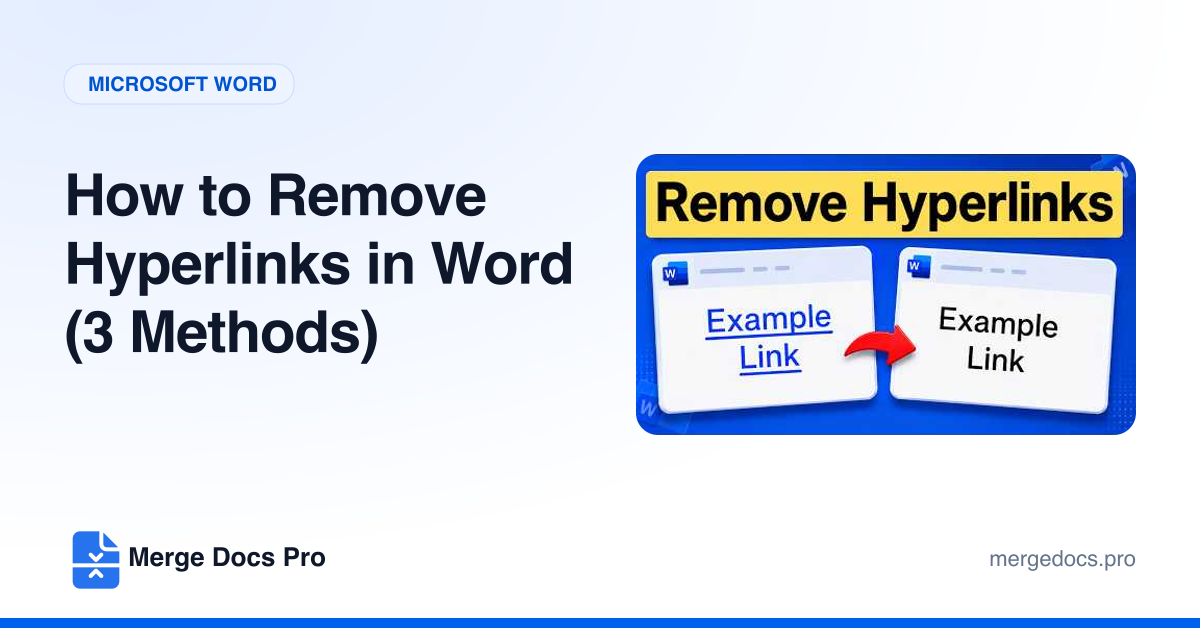
To remove a hyperlink in Word but keep its text, right-click the link and choose Remove Hyperlink. To remove every hyperlink at once, press Ctrl+A and then Ctrl+Shift+F9. To stop Word creating links as you type, clear Internet and network paths with hyperlinks in AutoCorrect Options.