
· Vikram Aruchamy · Microsoft Word
How to Remove Extra Spaces in Justified Text in Word (3 Methods)
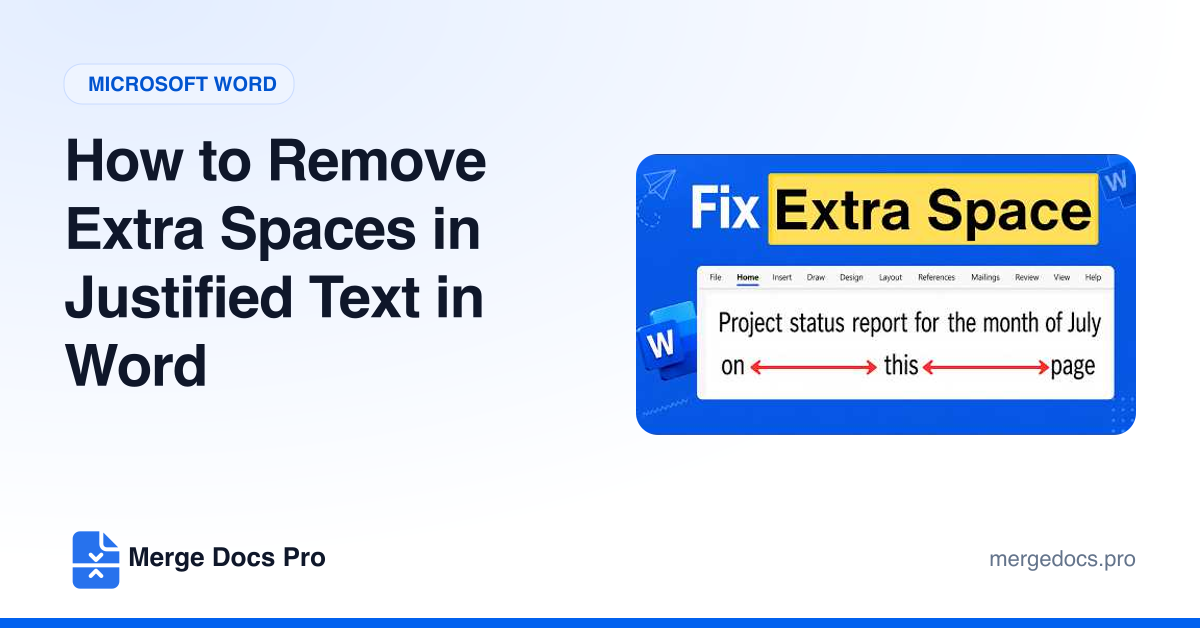
Large gaps in justified Word text usually come from manual line breaks (Shift+Enter), which Word stretches to the full width. Show formatting marks, replace each line break with a normal paragraph, or turn on the Layout option that stops Word expanding spaces on lines ending with Shift+Return. Hyphenation and condensed character spacing shrink the remaining gaps.