
· Vikram Aruchamy · Microsoft Word
How to Adjust Space Between Bullets and Text in Word
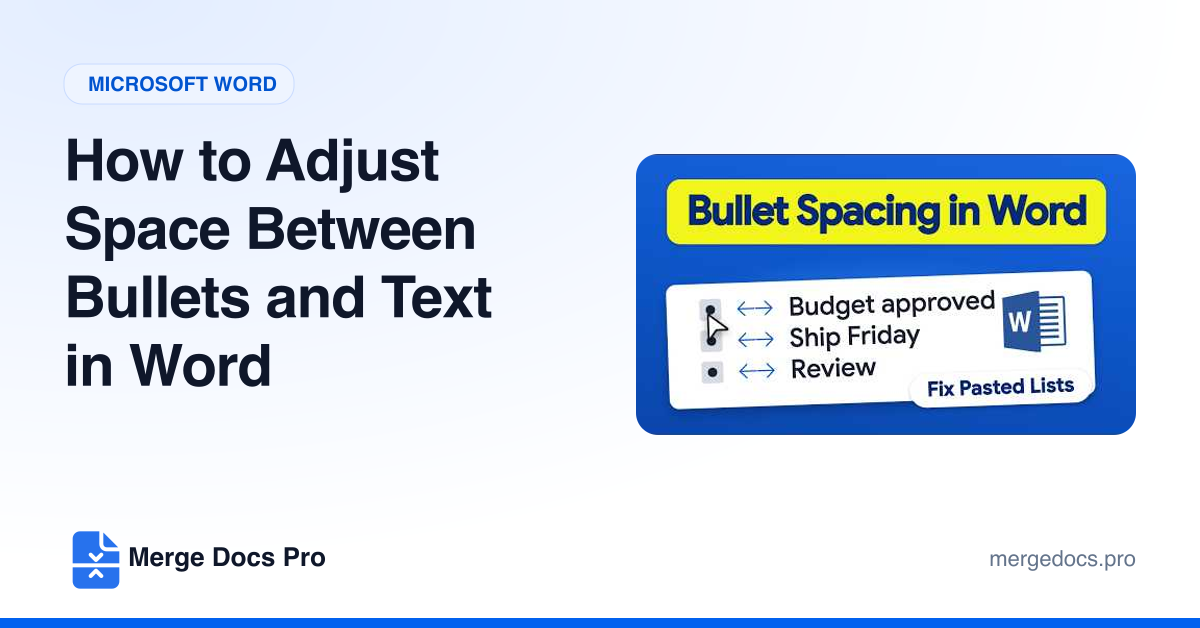
To change the space between bullets and text in Word, click a bullet, right-click and choose Adjust List Indents, then set a smaller or larger Text indent. To add space between bullet points, select the list, open the Paragraph settings, uncheck "Don't add space between paragraphs of the same style" and set After to 6 pt.