
· Vikram Aruchamy · Microsoft Word
How to Clear All Formatting in Word (and Fix Pasted Text)
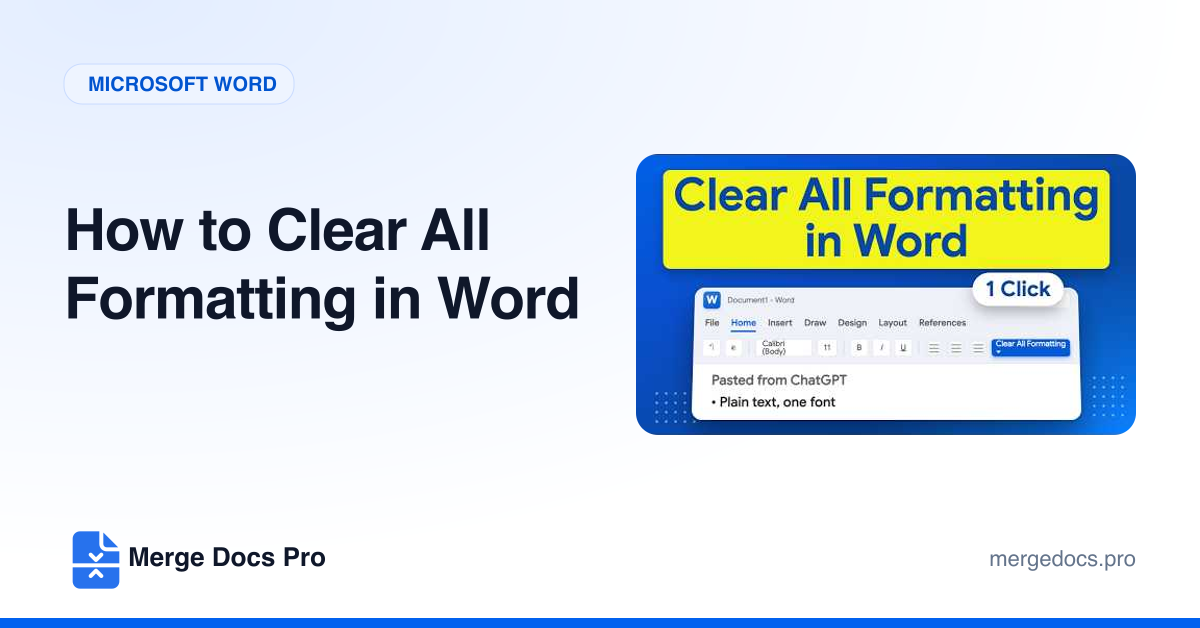
To clear all formatting in Word, select the text (Ctrl + A for the whole document), then go to Home and click Clear All Formatting, the letter A with an eraser in the Font group. Fonts, sizes, colours and spacing reset to the Normal style. Highlights and text typed in capitals stay, so fix those separately.