
· Vikram Aruchamy · Microsoft Word
How to Strikethrough in Word (Shortcut & Double Line)
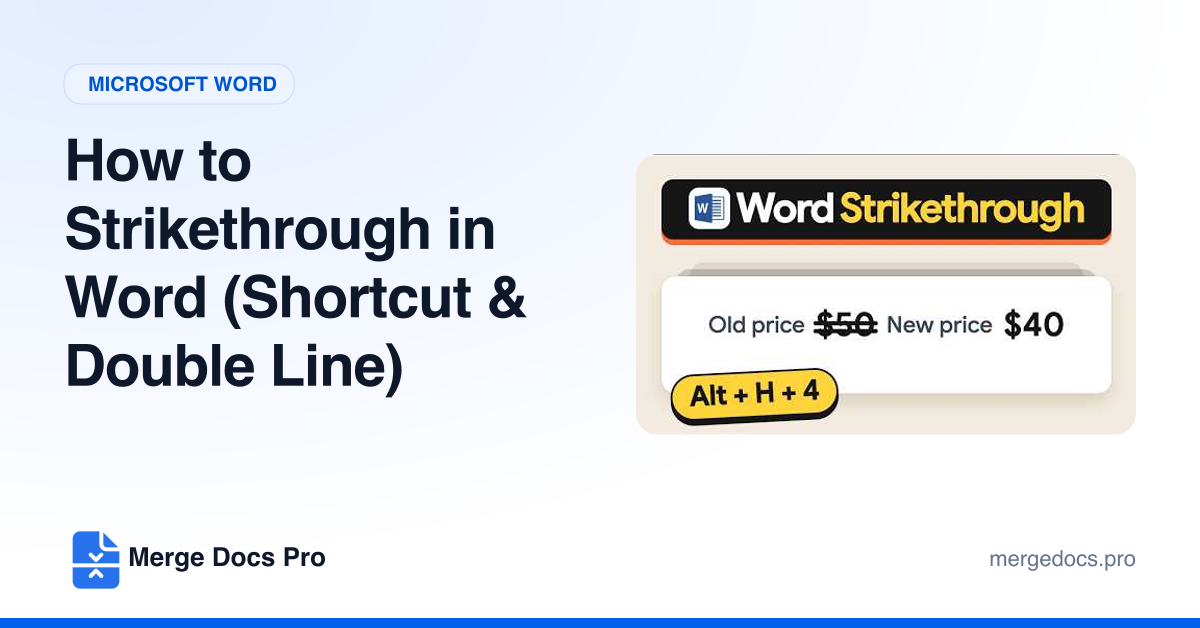
To strikethrough in Word on Windows, select the text. Then on the Home tab, in the Font group, click Strikethrough, the ab button with a line through it. Or press Alt, then H, then 4. For a double line, press Ctrl + D, check Double strikethrough and click OK.