
· Vikram Aruchamy · Microsoft Word
How to Create a Fillable Form in Word (Step by Step)
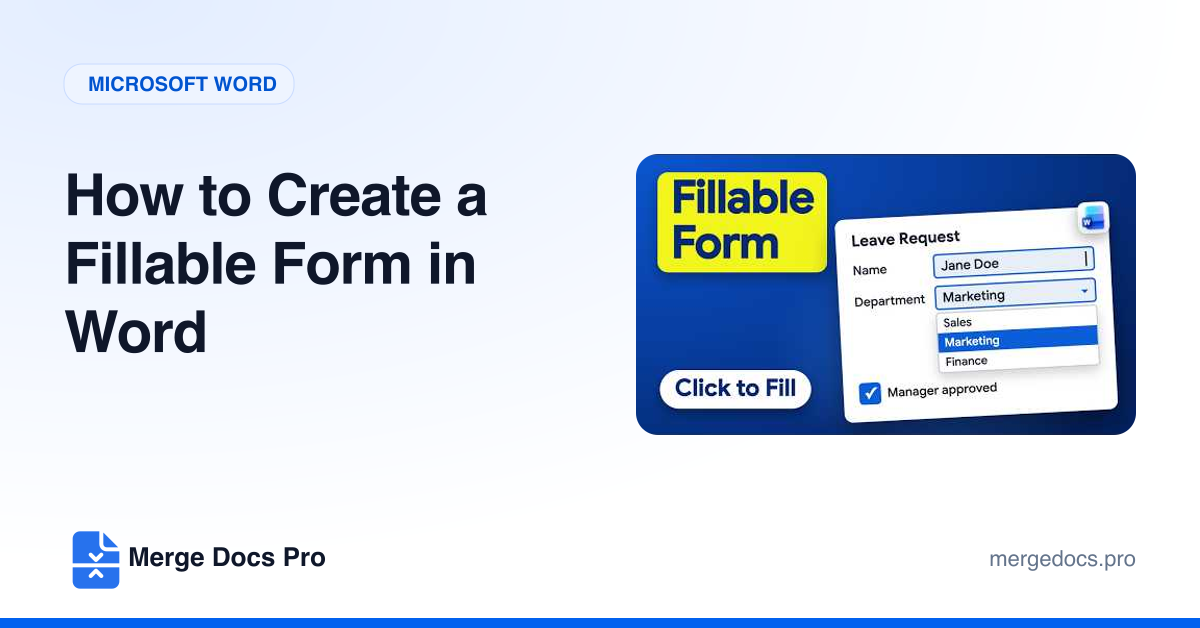
To create a fillable form in Word, turn on the Developer tab (File > Options > Customize Ribbon), then add content controls from Developer > Controls: text fields, checkboxes, drop-down lists and date pickers. Finally lock the layout with Developer > Restrict Editing > Filling in forms, so people can only type in the fields.