
· Vikram Aruchamy · Microsoft Word
How to Split a Word Document into Multiple Files
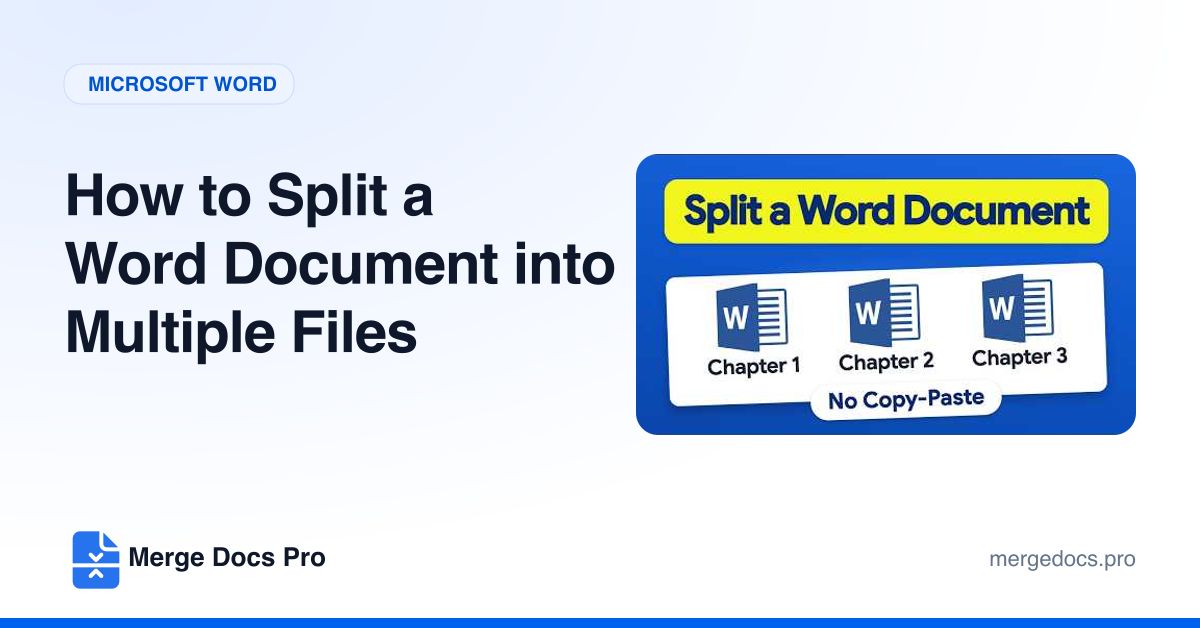
To split a Word document into multiple files on Windows, give each chapter title the Heading 1 style and save the document in its own folder. Then click View > Outline and press Ctrl + A. On the Outlining tab, click Show Document, then Create, and press Ctrl + S. Word saves one file per chapter in that folder.