· Vikram Aruchamy · Microsoft Word
How to Create a Table of Contents in Word (Automatic and Custom)
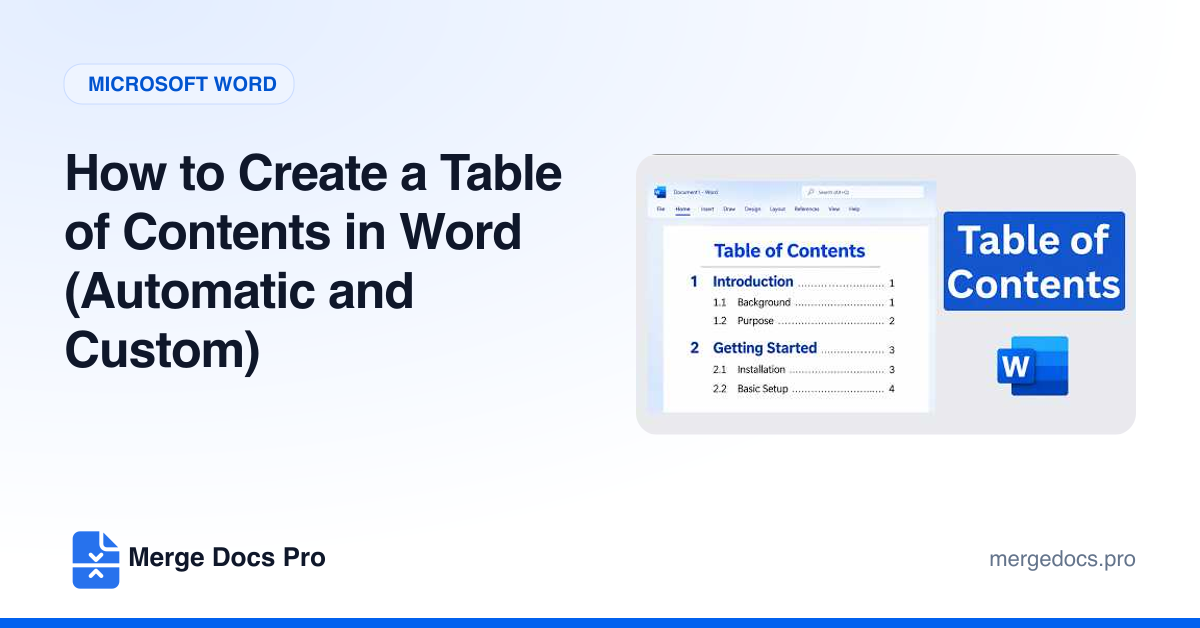
To create a table of contents in Word, apply Heading 1, Heading 2 and Heading 3 styles to your section titles, click where the contents should go, and choose References > Table of Contents > Automatic Table 1. After editing, click References > Update Table > Update entire table to refresh headings and page numbers.