
· Vikram Aruchamy · Microsoft Word
How to Do a Hanging Indent in Word (APA and MLA References)
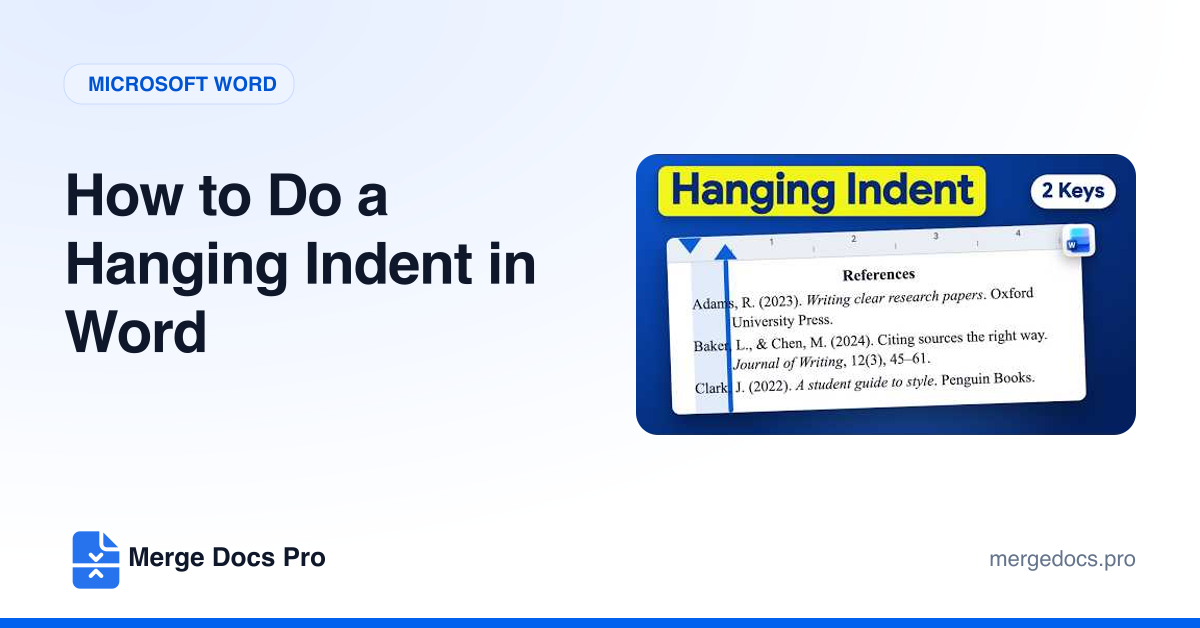
To do a hanging indent in Word, select your references, go to Home and open the Paragraph settings. Under Special, choose Hanging; By defaults to 0.5 inch, which APA and MLA require. Click OK. The shortcut is Ctrl + T (Cmd + T on Mac), and Ctrl + Shift + T removes it.