
· Vikram Aruchamy · Microsoft Word
How to Open a WPS File in Word (and Convert It to DOCX)
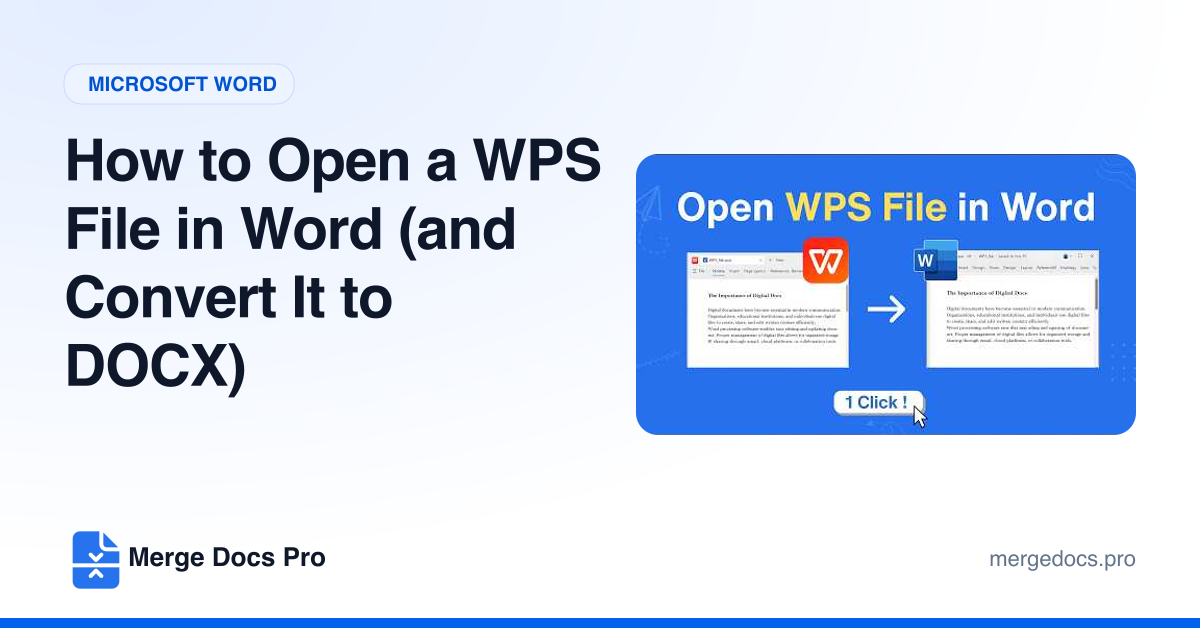
To open a WPS file in Word, go to File > Open > Browse, change the file type list from Word Documents to All Files, select the .wps file and click Open. Then use File > Save As and choose Word Document (.docx) so it opens normally from now on.