· Vikram Aruchamy · Convert and Export
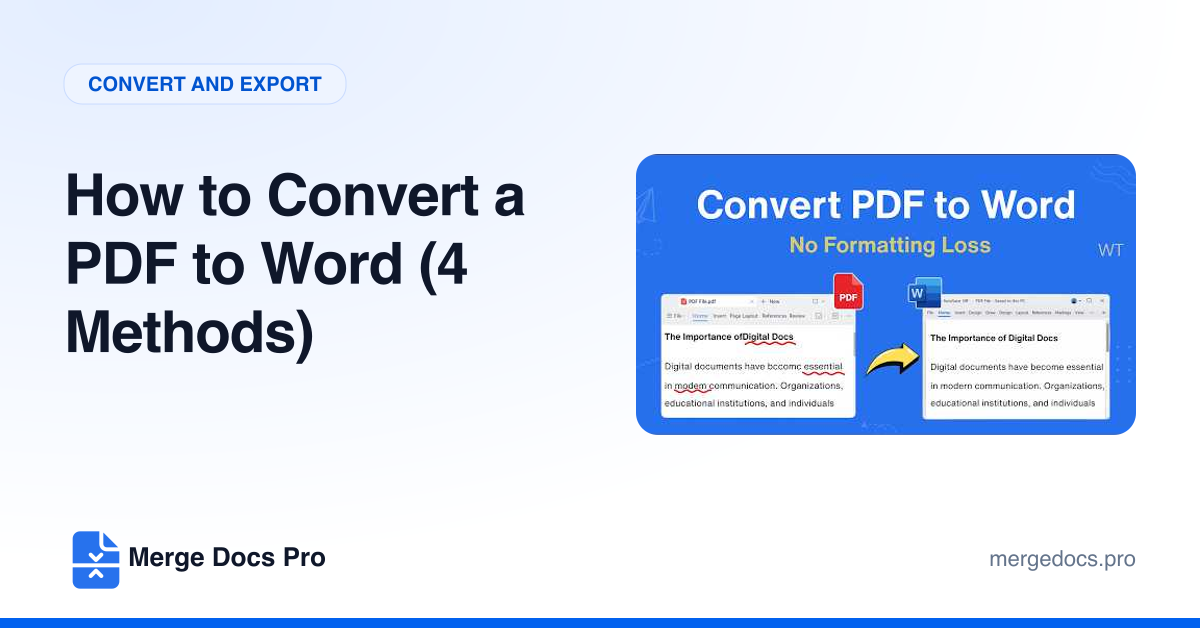
How to Convert a PDF to Word (4 Methods)
To convert a PDF to Word, open Word, choose File > Open (or drag the PDF onto Word), click OK when Word offers to convert it, then use File > Save As and pick Word Document (.docx). For scanned PDFs, open the file with Google Docs in Drive and download it as .docx.