· Vikram Aruchamy · Microsoft Word
How to Format a Paper in APA 7th Edition in Word
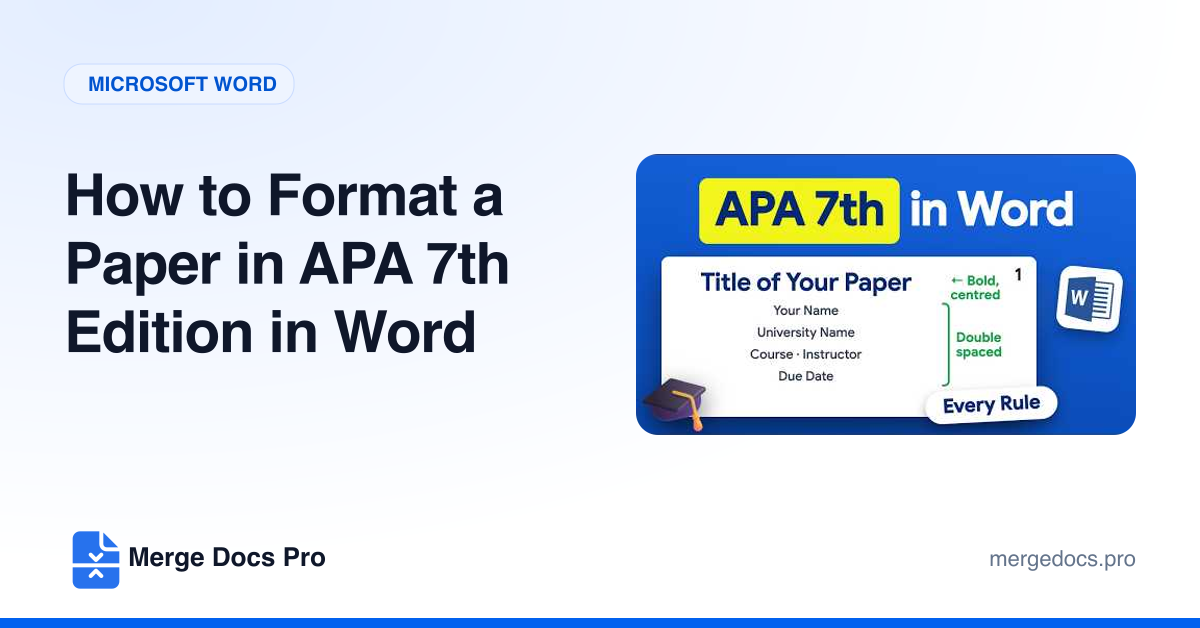
To format a paper in APA 7th edition in Word, set margins at Layout > Margins > Normal. Then modify the Normal style: Times New Roman 12, double spacing, 0 pt before and after, and a 0.5-inch first-line indent. Add page numbers with Insert > Page Number > Top of Page > Plain Number 3.