· Vikram Aruchamy · Microsoft Word
How to Make Two Columns in Word (Whole Document or Selected Text)
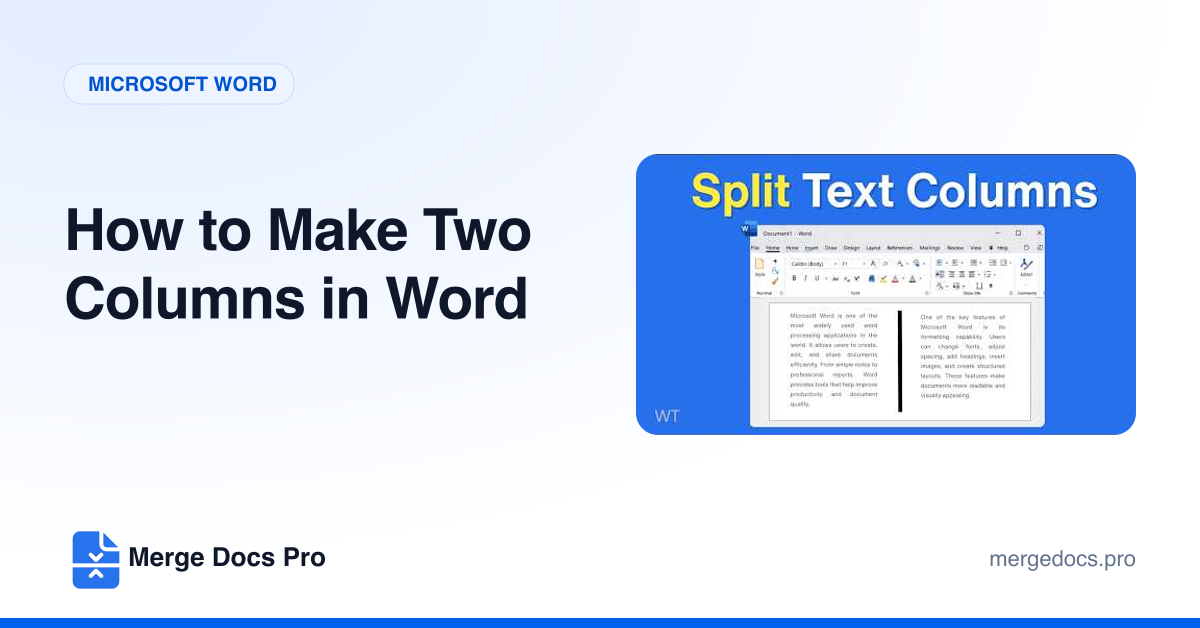
To make two columns in Word, select the text you want in columns (or nothing, for the whole document), then go to Layout > Columns > Two. Use Layout > Columns > More Columns to change the spacing or add a line between columns, and Layout > Breaks > Column to push text into the next column.