· Vikram Aruchamy · Google Docs
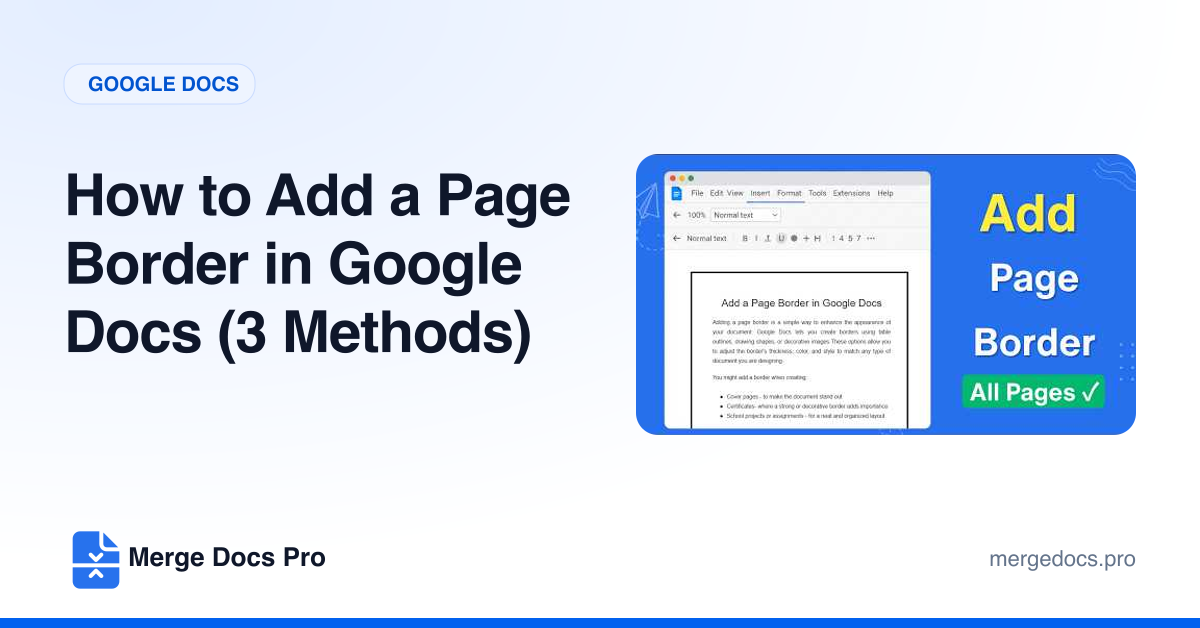
How to Add a Page Border in Google Docs (3 Methods)
Google Docs has no page border setting, so you draw one. Click Insert > Drawing > New, draw a rectangle with a transparent fill, click Save and close, set the drawing to Behind text and stretch it to the page edges. For a simple frame, use a 1 x 1 table instead.