· Vikram Aruchamy · Convert and Export
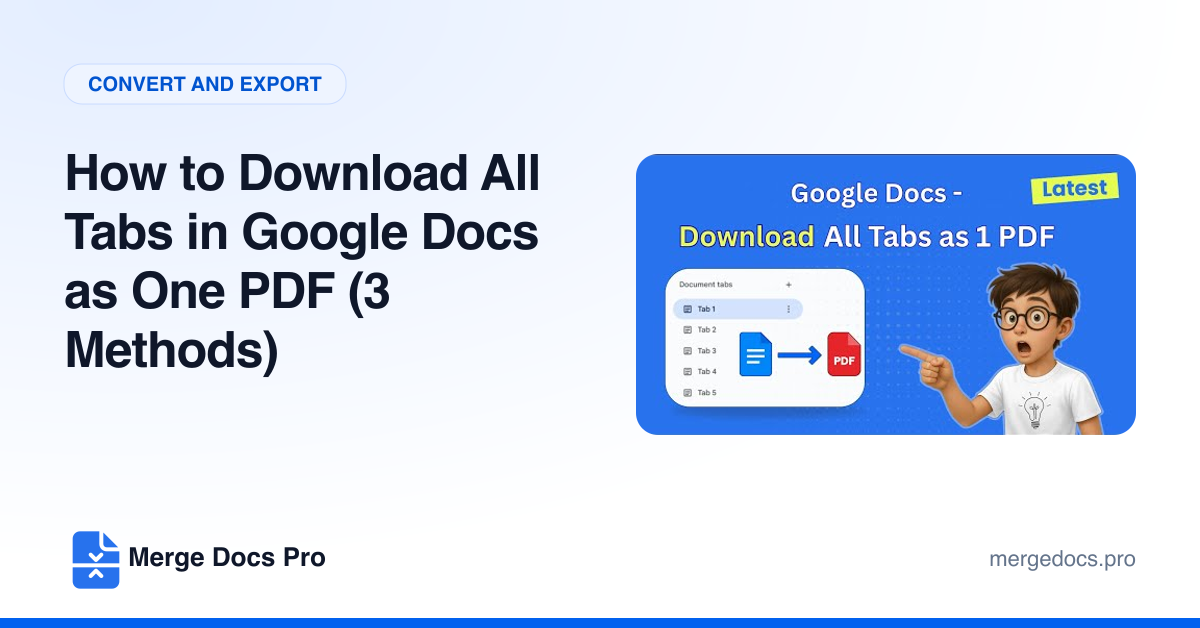
How to Download All Tabs in Google Docs as One PDF (3 Methods)
To download all tabs of a Google Doc as one PDF, click File > Download > PDF document (.pdf), switch the tab option from Current Tab to All Tabs, and click Export. Google Docs saves every tab, in tab order, as a single PDF. File > Print > Print all tabs works too.